
Create files from templates
Who it helps
Anyone who begins work from a repeatable structure: Markdown notes, scripts, project configuration, meeting records, or delivery documents.
What you gain
Add a template in New Files, then choose it from Finder in the destination folder. There is no need to open another editor, duplicate an old file, and clean it up first.
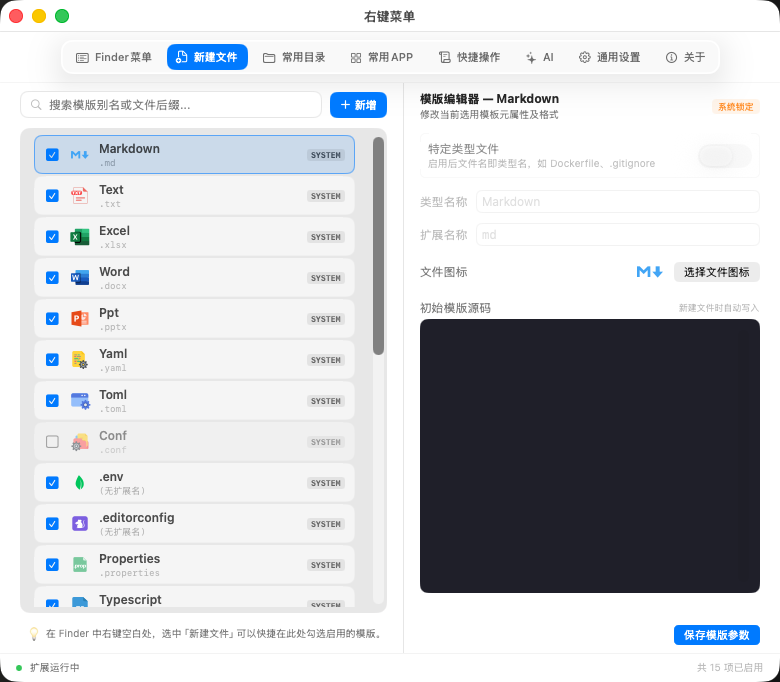
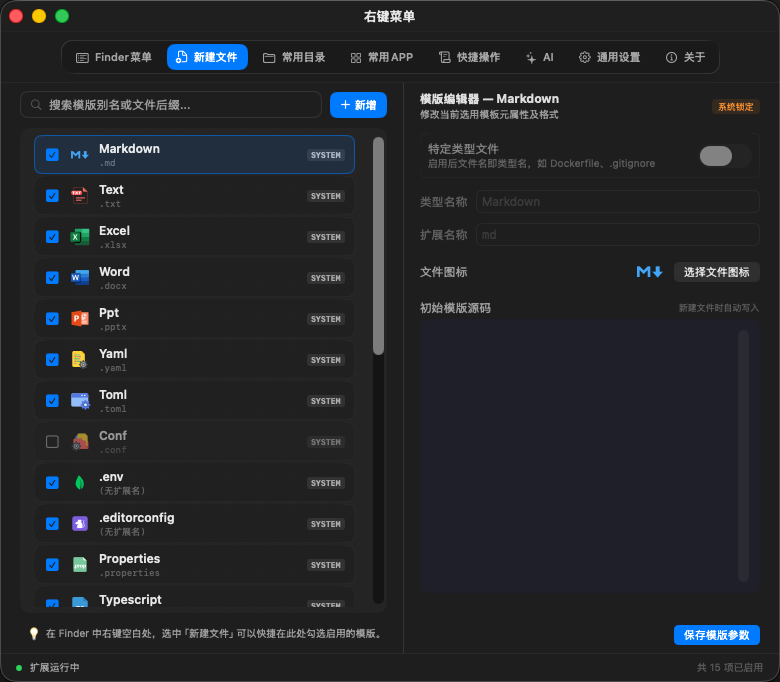
Configure a template
- Open New Files and add an item.
- Set its display name, filename or extension, initial content, and optional icon.
- Save it and test it in a destination folder in Finder.
- Order templates by frequency and disable anything you do not need.
| User | Example template | Benefit |
|---|---|---|
| Developer | README.md, .gitignore, Python or Shell script | A dependable start without copying an old project |
| Content team | Article outline, interview notes, weekly report | Every item begins with the expected structure |
| Operations | Meeting minutes, project tracker, delivery checklist | Less inconsistent formatting and fewer missed fields |